
AI report building that's safe to ship inside your product.
A user types a question. Ask AI drafts the report, and Yurbi's engine runs it under Tenant Mode and App Shield. The model never runs a query against your database.
- In every plan
- Your own AI model and key
- Runs on your servers
Live now in the current release. What you need to try it →

Active accounts by plan, this month vs last month
Grid with change columnsTop 10 customers by usage this quarter as a bar chart
Bar chartWhy did usage drop last month?
Breakdown, biggest movers firstOnly EMEA, and make it a line chart
Follow-up revises the same report
Use this report opens the answer in the builder, like any report made by hand.
The model drafts. Your Yurbi server decides.
Most AI analytics let a model write SQL and run it. In a multi-tenant product, that is the risk. Ask AI never gets that far.
- Same question, different tenant, different dataTwo customers ask the identical thing. Each gets only their own rows, because App Shield is applied in the query Yurbi builds.
- Refine by talking“Only EMEA.” “Add last year.” Each follow-up revises the same report.
- A receipt on every answer“Built with” says in plain language which fields, filters and periods the report uses, so the answer can be checked.
A prompt is not a tenant boundary.
Telling a model “only show this customer's rows” is a request. App Shield is a rule the query engine enforces.
When the model writes the SQL
- Isolation lives in the prompt. One missed filter and a customer sees another customer's data.
- Mistakes look like answers. A wrong join still returns a confident number.
- You get a chat reply. Nothing to save, schedule or embed.
When Ask AI drafts a definition
- Isolation lives in the engine. Tenant Mode and App Shield apply exactly as they do to every hand-built report.
- Mistakes are caught or declined. The definition is checked on the server, and Ask AI says what it could not include.
- You get a real report. Editable, saved, scheduled and embedded like any other.
Grids, KPI cards, charts and pivots from one sentence
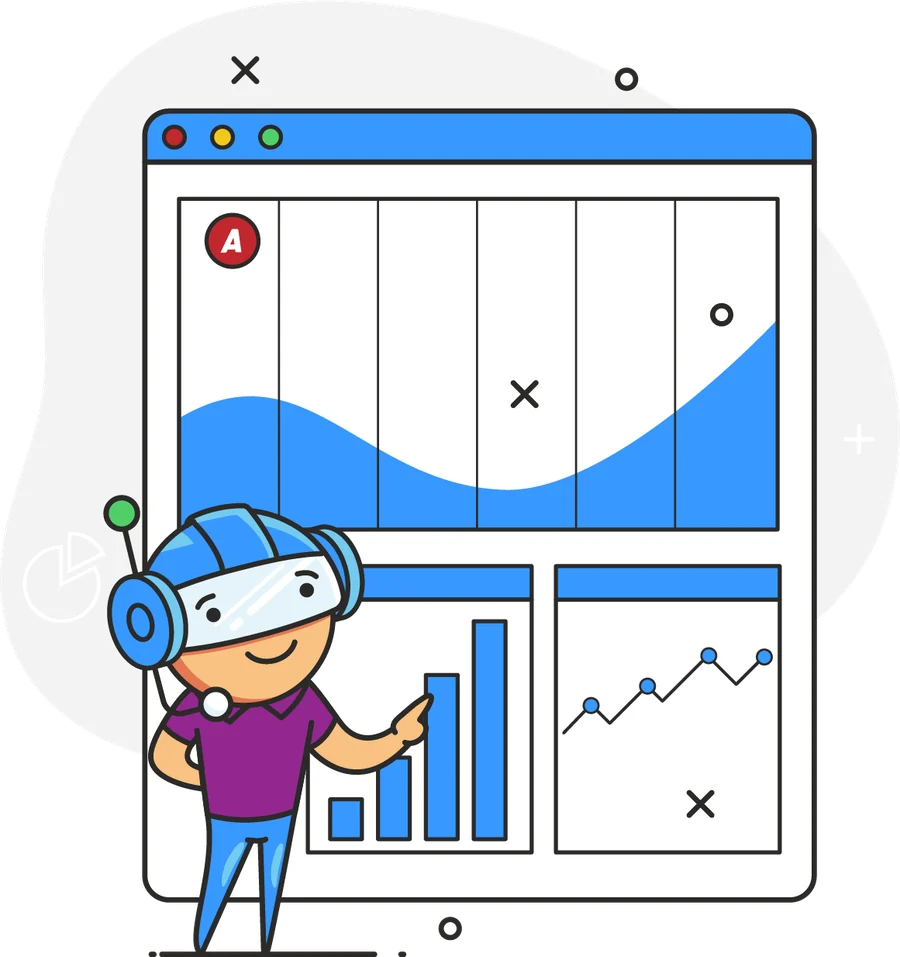
Every answer arrives as a data grid. Where a KPI card, chart or pivot suits the answer, Ask AI proposes one and a single click draws it.
Reports
Active accounts by plan, this month vs last month
Totals, top N, trends, period comparisons and calculations, with rolling dates that keep a saved report current.
KPI cards
Usage this month vs last month as a KPI
A headline number with a trend line, change against the previous period or last year, or a value against a goal.
Charts
Top 10 customers by usage this quarter as a bar chart
Bar, line, area, pie, combo and stacked charts, plus scatter plots, treemaps, calendar heat maps and pivots.
The full list of what Ask AI can build today
Reports
- Lists and summaries: totals, counts, averages, percent of total, subtotals, top N
- Trends over time and moving averages
- Plain-language filters, including rolling periods such as “last 30 days”, “this quarter” and “year to date”
- Run-time prompts: “ask me for the region each time”
- Calculations: ratios, date differences, buckets, running totals, share and rank within a group
- Period comparisons: this month vs last, year over year, year to date, or two periods you name
- Where a change came from: “why did sales drop last month” shows the biggest movers
- Stages and funnels, with percent of total
- Two-step questions: “customers who bought X, and their open tickets”
KPI cards
- Headline number with a trend line
- Change against the previous period, or the same period last year
- Single number, two-period comparison, value with a goal
Straight answers
- Asks a clarifying question when a request is ambiguous
- Says what it could not include instead of guessing, and points to a report type that fits better
- Answers “What can I ask?” and “What does this field mean?” without reading any data
Charts
- Bar, column, line, area and pie
- Combo, stacked and multi-series
- Comparison charts: two periods side by side
- Scatter plots, treemaps and calendar heat maps
- Aggregate grids and pivots
What it does not do
- Forecasting, prediction or machine learning
- Change, insert or delete data. It is read-only.
Ask AI works on the Apps you already have, with no preparation needed to start. It can also answer questions from the result of an existing report, including a complex hand-written one.
Report builders today. View-only users next.
We would rather tell you where the line is than have you find it in a demo.
Anyone with a report-building role
Your own team, and the people in your customers' accounts you have given a Builder role. They ask, review the draft, and keep it as a report.
View-only users (Agents)
Agents will ask questions of the reports and datasets they are already allowed to run, and build with AI if you choose to allow it. Until then, Agents see the reports your builders make.
Four steps on the semantic layer you already have
No model training, no data export, no vector database. Ask AI reads the Yurbi App your Architect already built. Choosing and testing a model →
- Admin
Add a provider and test it
Paste your key, take the suggested model, press Test. It builds a sample report in about a minute.
- Admin
Turn it on for an App
Choose who may use it and set a daily token limit.
- Architect
Prepare for AI
Optional, and it is what makes answers good: choose what the AI may see, and let it draft the descriptions for you to review.
- Builder
Ask
The Ask AI panel appears in the report builder.
No AI tier. No credits. No mark-up.
Ask AI is part of every Yurbi plan, like every other feature.
What you pay for
- Your Yurbi plan, at the same flat annual price as before
- Your AI vendor, billed by them for the tokens you use: a few cents per question
- Or nothing per token, if you run a model on your own hardware
What you don't
- An AI add-on, or a higher tier to unlock it
- Per-user AI licences
- A mark-up on your tokens

Built for the person who has to approve it
Yours, and the security reviewer at each customer you sell to.
Here now, and what ships next
Ask AI is the first part of Yurbi AI. Yurbi releases weekly, and these are in the queue.

-
Live now
Ask AI for report builders
Grids, KPI cards, charts and pivots from a question, for Builders, Architects and Admins.
-
Early 2027
Ask AI for Agents (view-only users)
Your customers' view-only users ask questions of the reports and datasets they are already allowed to run, and build with AI if you choose to allow it.
-
Early 2027
AI assistant across the product
Plain-language commands such as “create a dashboard” or “add a filter”, for anyone using Yurbi.
-
Early 2027
Native SAML and OIDC sign-in
Not an AI feature, but it comes first: the MCP server signs in with OAuth 2, so native single sign-on ships ahead of it.
-
Spring 2027
Yurbi MCP server
Connect AI assistants and agents that support the Model Context Protocol (MCP) to Yurbi.
Dates are plans, not commitments. The public roadmap is at roadmap.yurbi.com ↗
Yurbi AI questions, answered plainly
Ask AI, part of Yurbi AI, is the AI report builder inside Yurbi: a user asks a question in plain language and the AI drafts a report definition, which Yurbi's own engine runs as a real, saved, editable report — a data grid, KPI card, chart or pivot — under the same permissions, Tenant Mode and App Shield policies as a report built by hand. Yurbi AI is the name for all AI in Yurbi; Ask AI is its first feature.
Yes. Ask AI is in the current Yurbi release and is part of every plan. Today Ask AI is used by people with a report-building role: Builders, Architects and Admins, whether they sit on your team or inside a customer's account. View-only Agents cannot use it yet; that is planned for early 2027.
Customers' users who hold a Builder role can use Ask AI today, in the embedded report builder. View-only users (Agents) cannot ask questions yet. Ask AI for Agents, on the reports and datasets they are already allowed to run, is planned for early 2027.
No. The AI drafts a report definition and Yurbi's own engine builds and runs the query, so Tenant Mode and App Shield policies are applied exactly as they are to every other report. Two tenants asking the same question each get only their own data.
No. The model returns a report definition (fields, filters, grouping, calculations and a visualization), and Yurbi's own engine builds and runs the query, read-only. Yurbi never runs a query the AI wrote.
Your report results are never sent to the AI provider. By default the model sees structure — table and field names and descriptions — plus your question. You control whether any stored values are shared, and Strict Privacy mode blocks all database values. The question a user types is always sent, so anything typed into it reaches the AI provider.
Ask AI is part of every Yurbi plan at no extra charge. You connect your own AI vendor key, so there is no AI tier, no credit pack and no mark-up: you pay your AI vendor directly for what you use. That is a few cents per question on a mid-priced model, less with prompt caching, and it does not grow with the size of your data.
Anthropic, OpenAI and Google Gemini are built in. Anything that speaks the OpenAI-compatible API also works: routers such as OpenRouter, open-model hosts such as Groq, Together AI and Fireworks AI, vendors such as Mistral, DeepSeek and xAI, and model servers you run yourself such as Ollama, LM Studio and vLLM. Because Yurbi is installed on your own servers, a model that runs only inside your network is reachable by default. Nothing has to be exposed to the internet.
Yurbi reads the model list straight from your AI vendor, groups it into everyday, budget, premium and older, and marks a suggested model. No model names are built into Yurbi, so new models appear without an upgrade. Press Test and the model builds a sample report in about a minute, using none of your data. Compare models puts your users' recent questions to the models you choose, so you can weigh quality against cost before you decide. Reports are built and checked, not run.
Yes. AI providers are assigned per group or per user, so a customer can run on its own vendor, key and bill, and each App has its own daily token limit. Admins see token use for every request in the Audit tab, and estimated cost once the vendor's prices are entered.
Yes. Yurbi is installed on your own servers, and Ask AI works with any OpenAI-compatible endpoint, including a model server you host such as Ollama, LM Studio or vLLM. With a model inside your network, the BI platform, the database and the model all stay behind your firewall.
Today it builds data grids, KPI cards, bar, column, line, area, pie, combo, stacked and comparison charts, scatter plots, treemaps, calendar heat maps, aggregate grids and pivots. It handles totals, rankings, trends, period comparisons, calculations and two-step questions, and it asks a clarifying question when a request is ambiguous.
It does not forecast, predict or run machine learning, and it cannot change data: it is read-only reporting. Like any AI it can misread a question, which is why every answer shows what it was built with so it can be checked before anyone relies on it.
An AI coding tool produces code your team then owns: tenant isolation, permissions, scheduling, exports and upkeep included. Ask AI sits on Yurbi's semantic layer and security model, so an answer is a governed report from day one rather than new code to maintain.
Planned for early 2027: Ask AI for view-only users (Agents) and an AI assistant for plain-language commands across the product. A Yurbi MCP server is planned for spring 2027, after native SAML and OIDC sign-in. Dates are plans, not commitments.